
Video Editing Software Guide – Features, Types, and Top Tools for Creators
Video content has become one of the most powerful ways to communicate ideas, promote businesses, and entertain audiences. From YouTube creators to professional filmmakers, almost everyone relies on video editing tools to create engaging content. Raw footage alone rarely looks perfect, which is why editing plays a crucial role in transforming simple clips into professional-quality videos.
Video editing software helps creators cut, arrange, enhance, and finalize video clips with different tools and effects. With the right editing software, users can add transitions, adjust colors, improve audio, and produce high-quality videos for different platforms such as social media, websites, and online courses.
What Is Video Editing Software and How Does It Work?
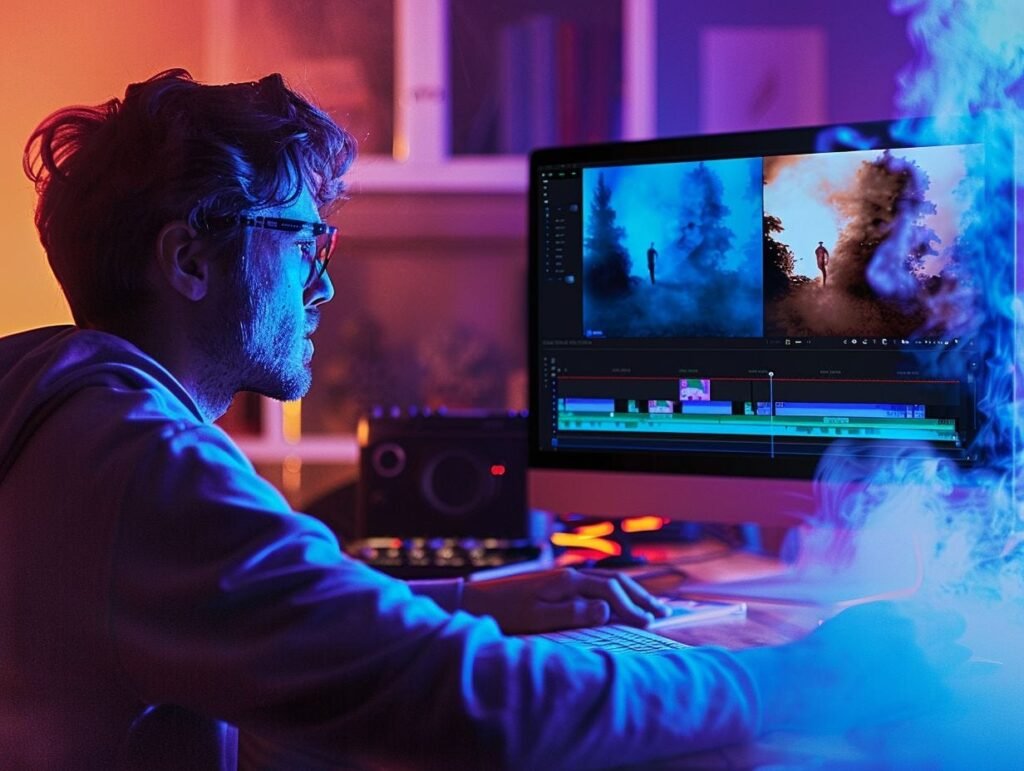
Video editing software is a digital tool used to modify and enhance video footage. It allows users to trim clips, merge multiple scenes, add visual effects, and adjust sound to create a polished final video.
The software works by organizing video clips on a timeline where editors can control the sequence and timing of each scene. Users can insert transitions, add text, include background music, and apply filters to improve the overall visual quality. After editing is complete, the software exports the final video in a format suitable for sharing or publishing.
Modern video editing software also includes advanced features such as motion graphics, color grading, and special effects, making it easier for both beginners and professionals to produce high-quality videos.
Key Features to Look for in Video Editing Software
User-Friendly Interface
- Easy navigation and simple controls
- Drag-and-drop editing features
- Organized timeline for video clips
- Suitable for beginners and professionals
Advanced Editing Tools
- Video trimming and splitting tools
- Multi-track editing capabilities
- Frame-by-frame editing options
- Speed control and slow-motion effects
Effects, Filters, and Transitions
- Built-in visual effects
- Color filters and cinematic styles
- Smooth scene transitions
- Motion graphics and animations
Audio Editing Capabilities
- Background music integration
- Noise reduction tools
- Voiceover recording options
- Audio synchronization with video clips
Export and File Format Support
- High-resolution video export
- Multiple file format support
- Social media optimization options
- Fast rendering performance
Types of Video Editing Software
Beginner Video Editing Software
Beginner video editing software is designed for users with little or no editing experience. These tools provide simple interfaces and basic editing features such as trimming, transitions, and text overlays. They are ideal for students, vloggers, and social media creators who need quick and easy editing solutions.
Professional Video Editing Software
Professional editing tools offer advanced capabilities for filmmakers, content creators, and video production companies. These programs include features like color grading, visual effects, multi-camera editing, and high-resolution video processing. They require more experience but provide greater control over the editing process.
Online Video Editing Software
Online video editing platforms run directly in web browsers and do not require software installation. These tools are convenient for users who want to edit videos quickly without downloading large programs. They often include templates and automation features for faster editing.
Mobile Video Editing Apps
Mobile video editing apps allow users to edit videos directly on smartphones or tablets. These apps are popular among social media creators because they make it easy to edit and upload content instantly. Many mobile editing apps include filters, transitions, and music libraries designed for short-form videos.
Best Video Editing Software for Beginners
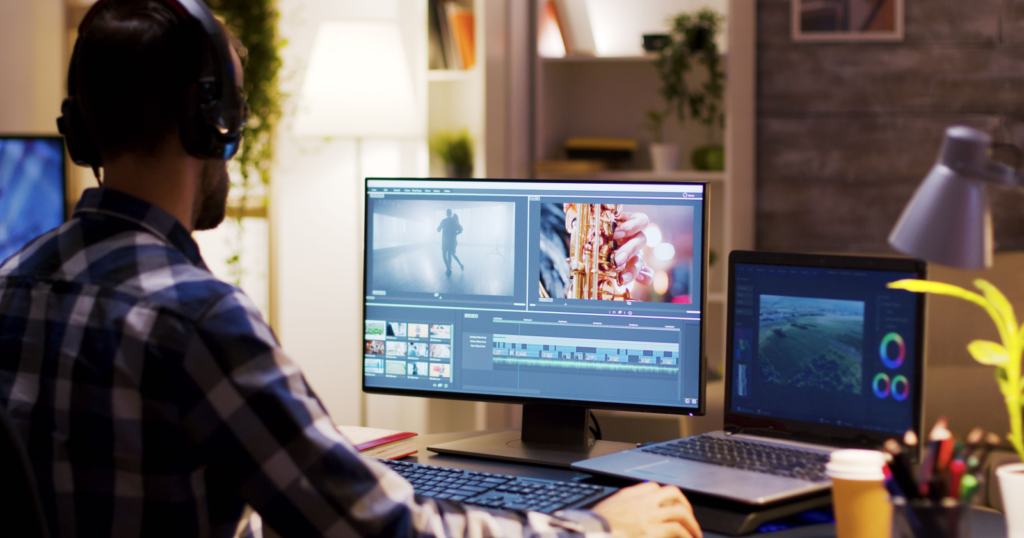
Choosing the right editing tool is important for beginners who want to learn video editing quickly. Beginner-friendly software usually includes simple controls, helpful tutorials, and basic editing tools that are easy to understand.
Some popular beginner tools offer drag-and-drop editing, ready-made templates, and automated features that simplify the editing process. These tools allow users to focus on creativity rather than complex technical settings.Many beginners start with basic editing tools and gradually move to advanced software as their skills improve.
Best Professional Video Editing Software for Content Creators
Professional content creators often require advanced tools that provide complete control over the editing process. These tools allow editors to work with high-resolution footage, apply cinematic effects, and perform detailed color corrections.
Professional software also supports multi-layer editing, advanced sound mixing, and motion graphics creation. These capabilities make it possible to produce high-quality videos for films, advertisements, online courses, and social media platforms.
Although professional tools may have a steeper learning curve, they provide unmatched flexibility and creative possibilities for experienced editors.
Free vs Paid Video Editing Software
Free Video Editing Software
- No cost to use
- Suitable for beginners and hobbyists
- Basic editing features available
- May include watermarks or limited export options
Paid Video Editing Software
- Advanced editing tools and effects
- Professional-level video quality
- Faster rendering and export options
- Regular updates and customer support
Both free and paid tools can be useful depending on the user’s editing needs and experience level.
Video Editing Software for YouTube Creators
YouTube creators rely heavily on video editing software to produce engaging content for their audiences. Editing tools allow creators to trim unnecessary footage, add visual effects, include background music, and improve video quality.
Successful YouTube videos often include smooth transitions, subtitles, sound effects, and engaging intros. Editing software makes it possible to combine all these elements to create professional-looking content that attracts viewers.
With the growing popularity of video platforms, many creators are investing in reliable editing tools to improve the quality of their videos and grow their channels.
How to Choose the Right Video Editing Software
Skill Level and Experience
- Beginners should choose simple editing tools
- Professionals may require advanced editing features
- Learning resources and tutorials are important
Budget and Pricing
- Free tools are suitable for basic editing
- Paid tools offer professional features
- Subscription plans may provide regular updates
System Compatibility
- Software should match your computer’s operating system
- Hardware requirements must be considered
- Faster processors improve editing performance
Editing Needs and Features
- Choose tools that support required features
- Consider video resolution support
- Look for audio and visual enhancement options
Advantages of Using Video Editing Software
- Improves overall video quality
- Allows creative storytelling through editing
- Enhances visual and audio effects
- Helps produce professional content
- Saves time with automated editing tools
Common Challenges When Using Video Editing Software
- Learning complex editing tools
- Handling large video files
- Slow rendering on low-performance systems
- Managing multiple editing tracks
- Maintaining consistent video quality
Despite these challenges, practice and proper training can help users overcome difficulties and improve their editing skills.
Best Practices for Editing Videos Efficiently
- Plan the video structure before editing
- Organize clips and media files properly
- Use simple transitions for smooth flow
- Balance audio levels and background music
- Export videos in the correct resolution
Following these practices helps editors save time and maintain professional video quality.
Future Trends in Video Editing Software

Video editing technology continues to evolve as new tools and technologies emerge. Artificial intelligence is increasingly being integrated into editing software to automate tasks such as scene detection, color correction, and subtitle generation.
Cloud-based editing platforms are also becoming more popular, allowing teams to collaborate on projects remotely. Additionally, real-time editing and faster rendering technologies are making the editing process more efficient.
As video content continues to dominate digital platforms, the demand for powerful and user-friendly video editing software will continue to grow.
FAQs
1. What is video editing software used for?
Video editing software is used to trim clips, arrange scenes, add effects, adjust audio, and produce a final video that is ready for sharing or publishing.
2. Which video editing software is best for beginners?
Beginner-friendly video editing tools usually include simple interfaces, drag-and-drop features, and basic editing tools that make it easy to create videos without advanced technical skills.
3. Is there free video editing software available?
Yes, many free video editing tools are available online. These tools provide basic editing features but may include watermarks or limited export options.
4. Do YouTubers use professional video editing software?
Many YouTubers use professional editing tools to improve video quality, add effects, and create engaging content that attracts viewers.
5. What features should good video editing software have?
Good video editing software should include a user-friendly interface, advanced editing tools, visual effects, audio editing capabilities, and high-quality export options.
Conclusion
Video editing software plays a vital role in creating high-quality video content for different platforms and audiences. Whether someone is producing social media clips, YouTube videos, or professional films, editing tools help transform raw footage into engaging visual stories.
By choosing the right editing software and learning the necessary skills, creators can enhance their videos, improve storytelling, and reach larger audiences. As technology advances, video editing tools will continue to evolve, making it easier for both beginners and professionals to produce impressive video content.